Connect with us

gaming

OLED Gaming Monitor — Is It Worth the Hype?

Published

on

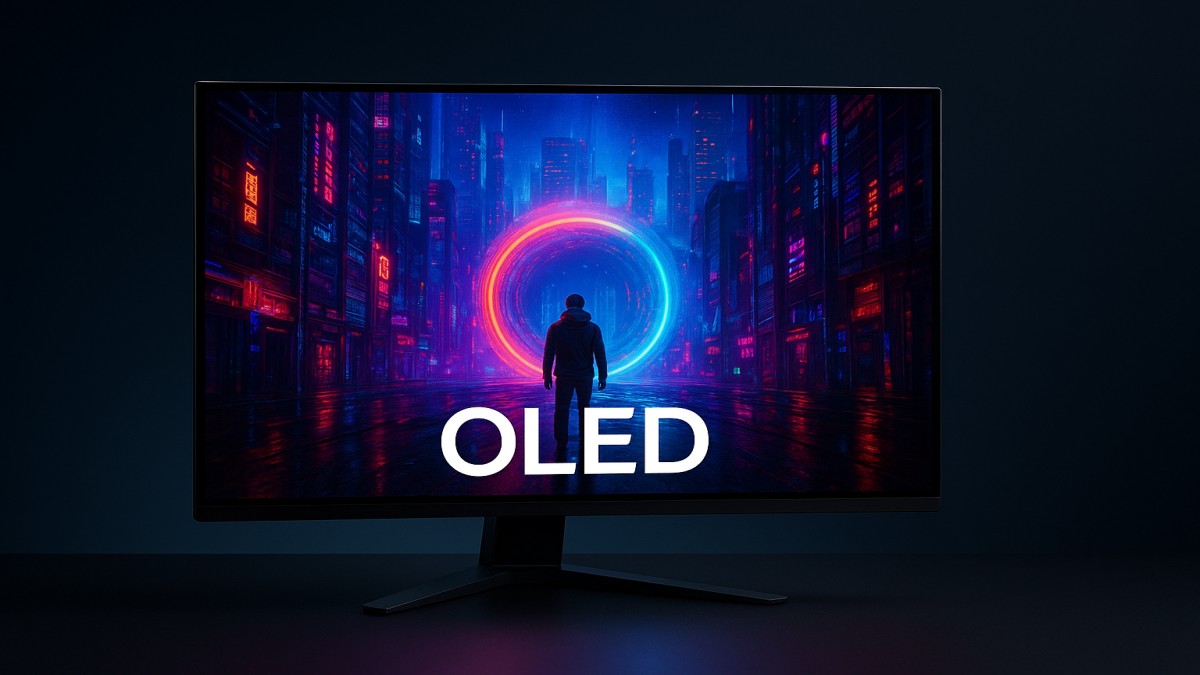
OLED Gaming Monitor

OLED gaming monitors have been stealing headlines and desktop space for a reason. If you crave jaw-dropping contrast, silky motion, and colors that pop like fireworks, OLED may feel like a revelation. But before you swap out your trusty LCD, let’s walk through what OLED brings to the table, the trade-offs, and whether it’s the right pick for your gaming setup.

What Is an OLED Gaming Monitor?

An OLED (Organic Light Emitting Diode) gaming monitor uses self-emitting pixels — each pixel lights up or turns off independently. Unlike LCDs, which rely on a backlight, OLED produces true blacks and exceptional contrast because pixels can be completely off.

OLED vs LCD — The Core Difference

LCDs block or filter light from a constant backlight; OLED creates light at the pixel level. That’s why OLEDs often look more “alive” with deeper blacks and no backlight blooming.

How OLED Pixels Work

Tiny organic molecules emit light when electricity passes through them. That lets them switch on and off extremely fast — the secret behind OLED’s impressive response times.

Key Benefits for Gamers

Perfect Blacks & Infinite Contrast

Games with dark scenes — think horror, sci-fi, or stealth titles — look dramatically better on OLED. Shadows retain detail without turning muddy.

Near-Instant Response Times

OLED pixels change state very quickly, reducing motion blur and smearing. Fast-paced games gain clarity, especially during quick camera pans.

Brilliant Color and HDR Performance

Because each pixel can reach deep blacks and high color saturation, HDR content looks vivid and authentic. Explosions, neon lights, and sunsets gain cinematic presence.

Important Specs to Check

Refresh Rate and Variable Refresh

Look for 120Hz or higher if you play competitive titles. Variable refresh (G-Sync/FreeSync) prevents tearing and keeps gameplay smooth.

Resolution and Screen Size

4K OLED monitors are gorgeous for single-player immersion, while 1440p offers a nice balance for high refresh. Choose size based on desk distance — 27–32 inches is common.

Brightness & HDR Peak Lumens

OLEDs historically lag behind LCDs in peak brightness, which affects HDR pop in very bright scenes. Check stated peak nits if HDR is a priority.

Input Lag and Response Time Numbers

Low input lag matters for competitive play. OLEDs typically excel here, but always compare measured lag from reviews.

Potential Drawbacks

Burn-In Risks

OLEDs can experience permanent image retention (burn-in) if static UI elements remain in place for long periods. It’s a real concern but manageable with smart usage.

Brightness in Sunny Rooms

If your room gets tons of sunlight, OLED might not appear as bright as high-end LCDs. Consider room lighting when deciding.

Price and Availability

OLED gaming monitors often cost more than their LCD counterparts, though prices are gradually falling as tech matures.

Who Should Buy an OLED Gaming Monitor?

Competitive FPS Players

If you chase the highest frame rates, you’ll appreciate OLED’s fast pixel response — but make sure the model supports the refresh rate you need.

Single-Player & Story-Driven Gamers

If immersion, visuals, and cinematic HDR matter more than leaderboard stats, OLED is a dream come true.

Creative Pros Who Also Game

Photographers, video editors, and designers who game get dual benefits from OLED’s color fidelity.

Tips to Minimize Issues

Use Screen Savers and Pixel Shifts

Enable built-in pixel-shift or screen-saver features to prevent static-image exposure.

Tweak Brightness & HUD Settings

Lowering HUD brightness and hiding static elements when possible reduces risk and improves image longevity.

Regular Breaks & Power Settings

Turn the monitor off when not in use and use power-saving modes to extend lifespan.

How to Choose the Right Model

Balance Refresh Rate with Resolution

High refresh at 4K is beautiful but expensive. If you need ultra-high FPS, a 1440p/240Hz OLED (or high-end LCD) might be more practical.

Conclusion

OLED gaming monitors offer a leap in visual quality: perfect blacks, instant response, and punchy HDR. They’re brilliant for immersion and cinematic gaming, and increasingly viable for competitive play. The trade-offs — price, potential burn-in, and peak brightness limits — are real but manageable with careful use. If jaw-dropping visuals matter to you and your budget allows, OLED is absolutely worth exploring.

FAQs

  1. Will OLED burn-in during gaming?
    Burn-in is possible but rare with normal varied use; using pixel-shift, screen savers, and lower brightness helps prevent it.
  2. Is OLED better than LCD for esports?
    OLED’s response time is excellent, but high-refresh 1440p LCDs can still edge out in raw FPS performance and peak brightness.
  3. Do OLED monitors support HDMI 2.1?
    Many modern OLED gaming monitors include HDMI 2.1 to support 4K at high refresh rates — always check the spec sheet.
  4. How long do OLED monitors last?
    Lifespan has improved; with sensible settings and care, most users get many years of great performance.
  5. Should I choose 4K OLED or 1440p for gaming?
    Pick 4K OLED if you want visual fidelity and single-player immersion; choose 1440p (high refresh) if you prioritize competitive frame rates.

Continue Reading

Trending